Hey everyone, welcome back to my blog! If you’ve been scrolling through Instagram or YouTube lately, you’ve probably seen those super cool retro-vintage photos popping up everywhere. You know, the ones with that grainy, bright filter that make you look like you stepped out of a 90s magazine or an old Polaroid? Well, turns out boys are absolutely owning this trend using Google Gemini AI. It’s blowing up big time, with tutorials and edits racking up millions of views. Today, I’m diving into the “boys Gemini trending images” craze and giving you a step-by-step guide on how to create your own retro-style boy images. Trust me, this is easier than you think, and it’ll have your feed looking fire. Let’s get into it!
What’s the Buzz About Boys Gemini Trending Images?
How to Create Retro Style Boys Images: Your Easy Step-by-Step Guide
Prompt 👇
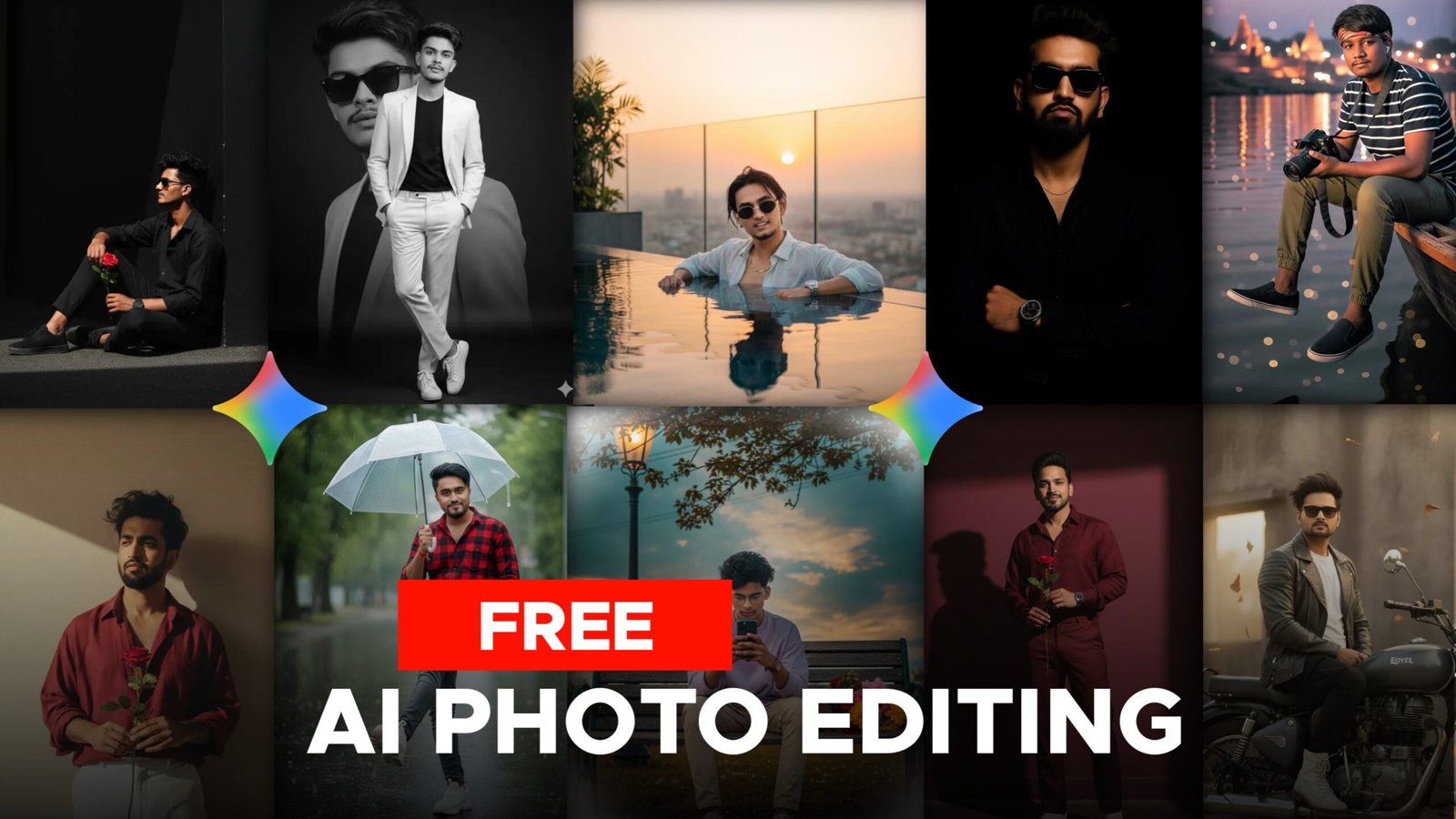
“Ultra-realistic cinematic portrait of a man leaning sideways on a white column, one arm resting casually on it while the other hand is in his trouser pocket. Outfit: brown tailored suit, black shirt, black loafers. Sunglasses complete the look. Hairstyle and beard same as reference. The urban stone wall and barred windows behind him add sophistication and elegance.”
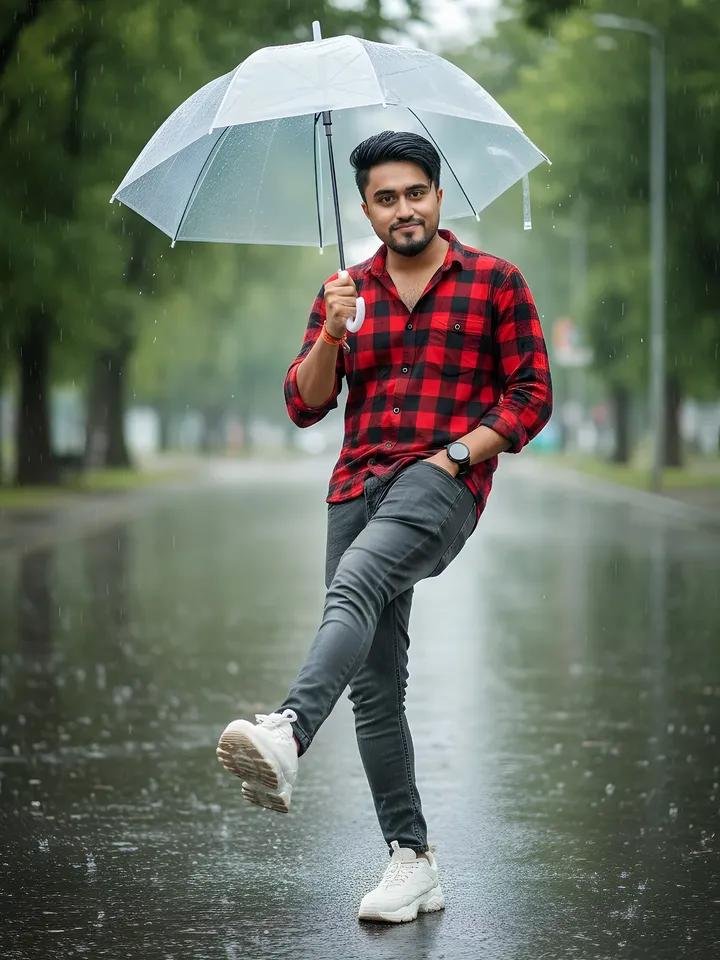
Prompt 👇
A young Indian man standing on a wet street during light rain, holding a transparent umbrella with his right hand. He is wearing a red checked shirt with sleeves rolled up, grey slim-fit jeans, and white chunky sneakers. His head is slightly tilted down, smiling subtly. His left hand is in his pocket, and his right leg is lifted forward in a playful kicking pose. The street is shiny from the rain, with a blurred background of green trees❤️
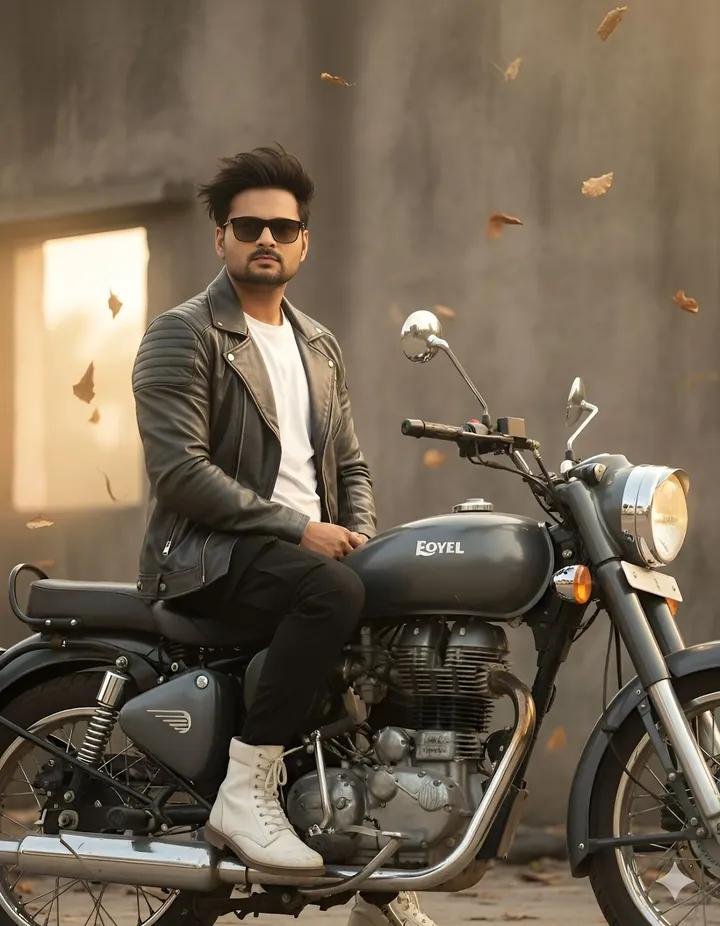
Prompt 👇
8K ultra-realistic cinematic close-up portrait of a 32-year-old man(use same reference face) sitting stylishly on a 350cc Royal Enfield bike. His wind-swept hair flows naturally under matte sunglasses, with golden morning sunlight softly kissing his face. He wears a crisp white t-shirt layered with a full leather grey jacket, black cargo pants visible slightly in frame, and white long boots. The dark grey bike adds a sleek and powerful presence behind him. Background shows an industrial
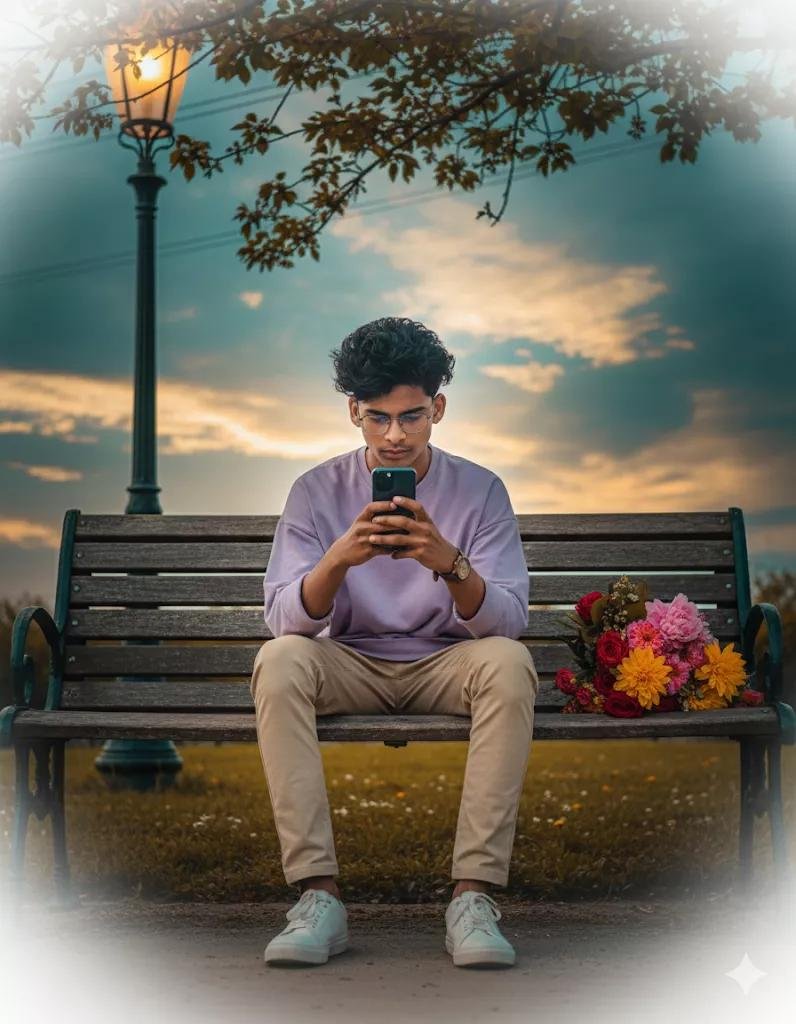
Cinematic, hyper-realistic full body shot: me( use my face with accurate 100%) on a vintage park bench under warm streetlight at golden hour, focused on smartphone. Light purple oversized shirt, beige trousers, sneakers, tousled hair, glasses, leather watch; flower bouquet beside. Lush blooms, cherry tree, dramatic golden clouds, creamy bokeh foreground, cable overhead. 8K, RAW, shallow depth, warm highlights/teal shadows, vivid textures.
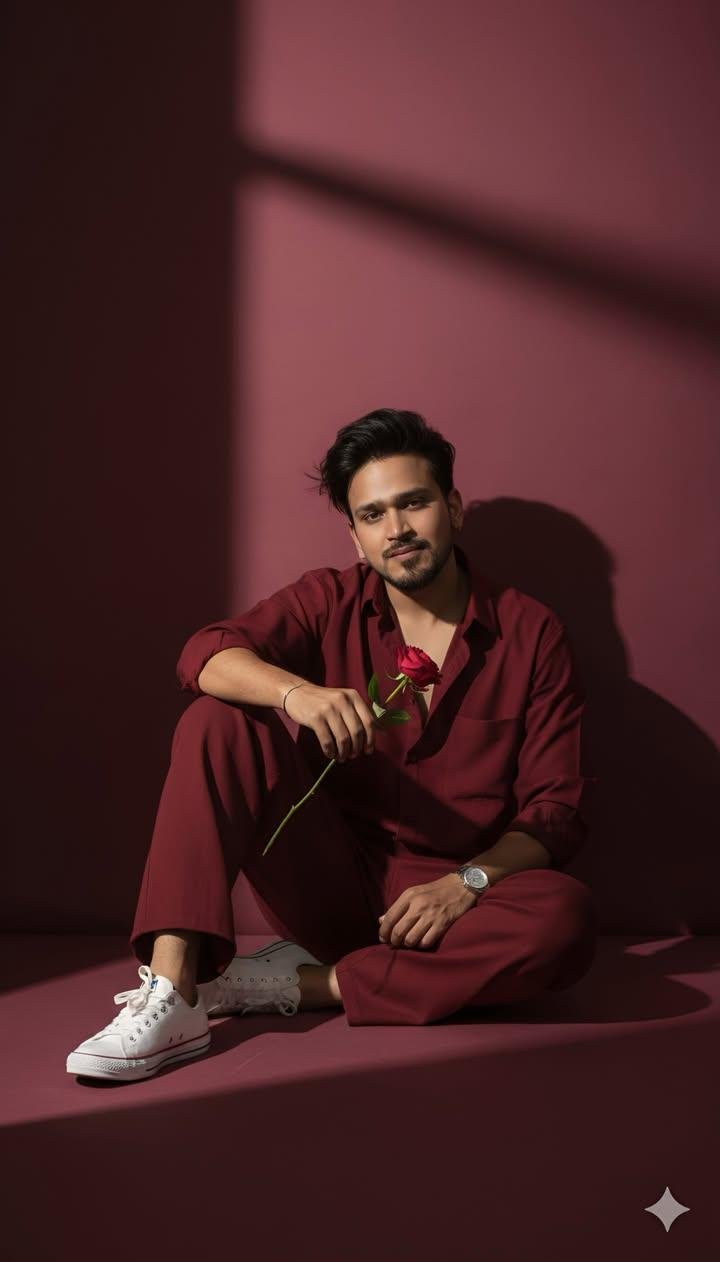
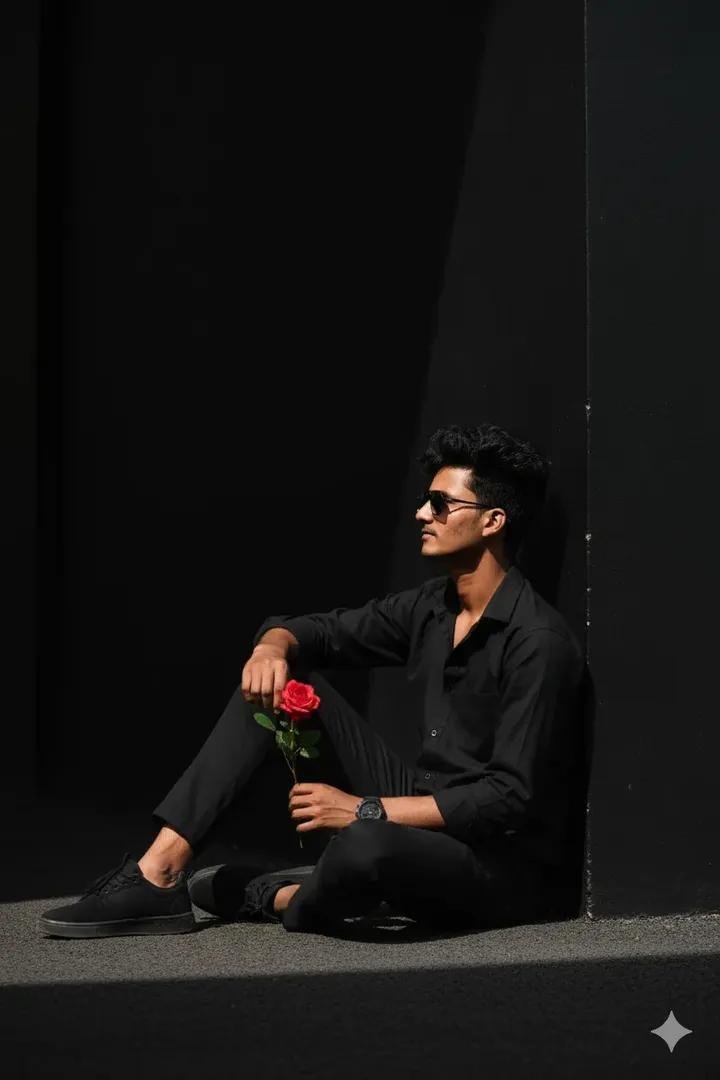
A full-body, camera look-angle portrait of a handsome 22-year-old boy, approximately 5’5″ tall. He is sitting on the ground in a stylish pose against a solid deep wine-colored wall, with deep shadows creating a 90s movie and romantic, windy environment. He is wearing a perfect red wine-colored, retro aesthetic shirt with matching pants and white sneakers. He has a silver watch and is holding a single rose flower in hand.
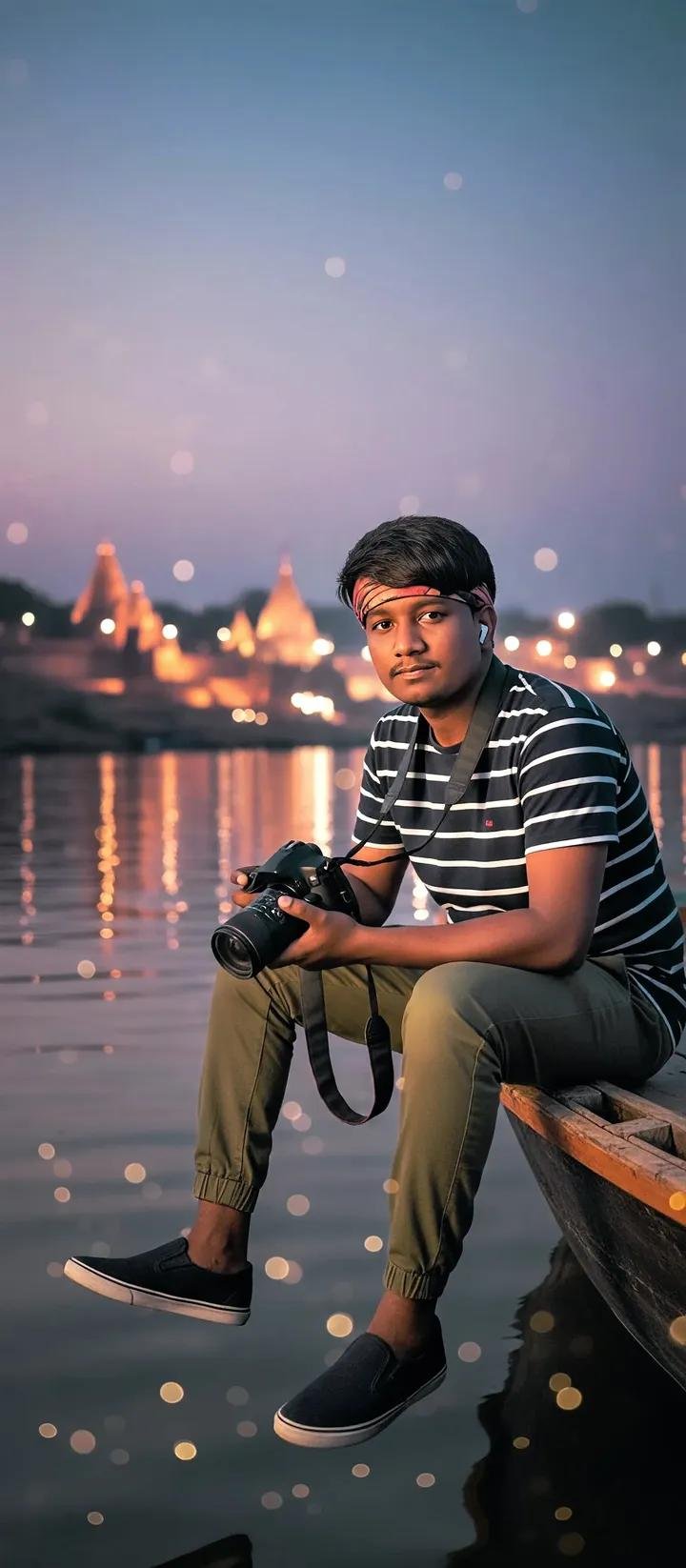
Prompt👇
Keeping my face straight. I am sitting on the edge of a wooden boat during twilight, holding a DSLR camera in my hands. i am wears casual attire – a striped shirt over a white t-shirt, olive green joggers, and white sneakers. The background glows with warm golden mosjib lights reflecting on the calm river water, creating a dreamy bokeh effect. The sky transitions from soft purple to blue, giving a serene and cinematic atmosphere. Portrait shot, depth of field, cinematic lighting,
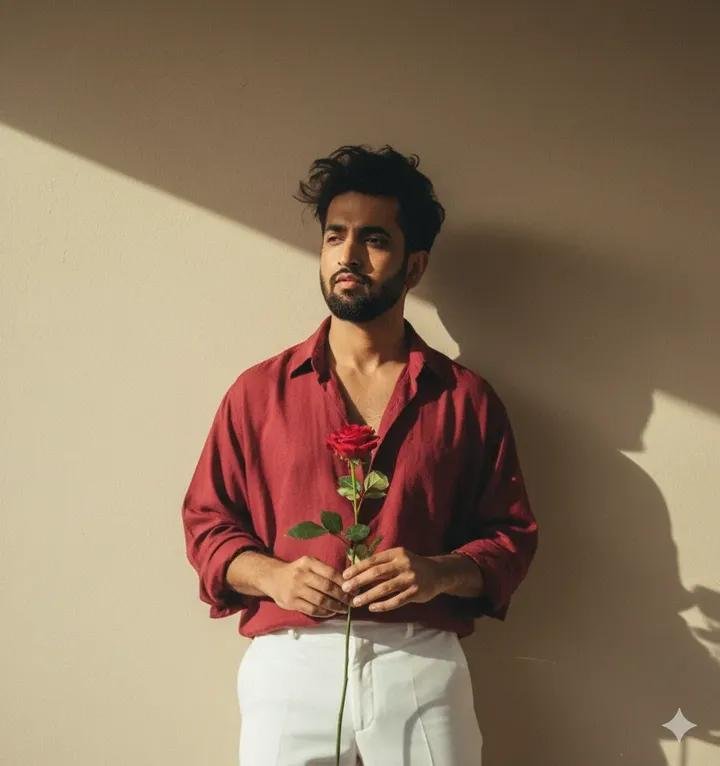
Prompt 👇
Create a retro vintage grainy but brigher image of the reference Dir ture but draped in a perfect black wine colar Pinteresty aesthetic retro shirt with white pant and holding a sun flower in hands. It must feel like a 90s movie and romanticising windy environment. The boy is standing against a solid wall deep shadows
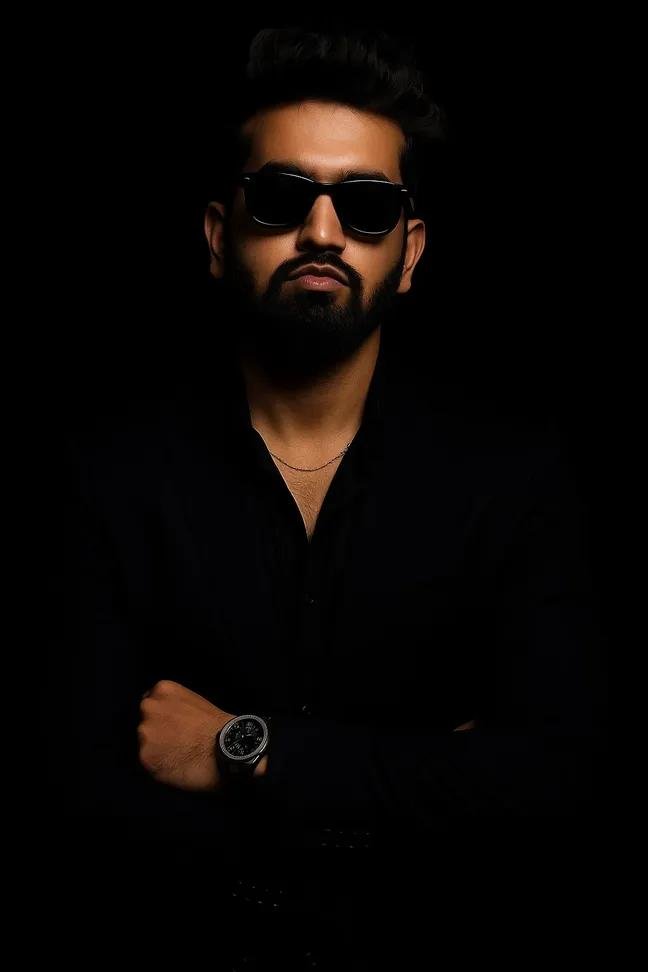
Prompt 👇
A stylish man in a sleek, all-black outfit poses confidently against a pitch-black background. He wears a tailored black suit,a black shirt with the top buttons open, and a subtle silver chain around his neck. He sports black sunglasses and a well-groomed beard, exuding charisma and mystery. A luxury wristwatch glints on his left wrist. The lighting is dramatic highlighting his facial features and casting sort shadows, creating a bold, high-fashion editorial look.
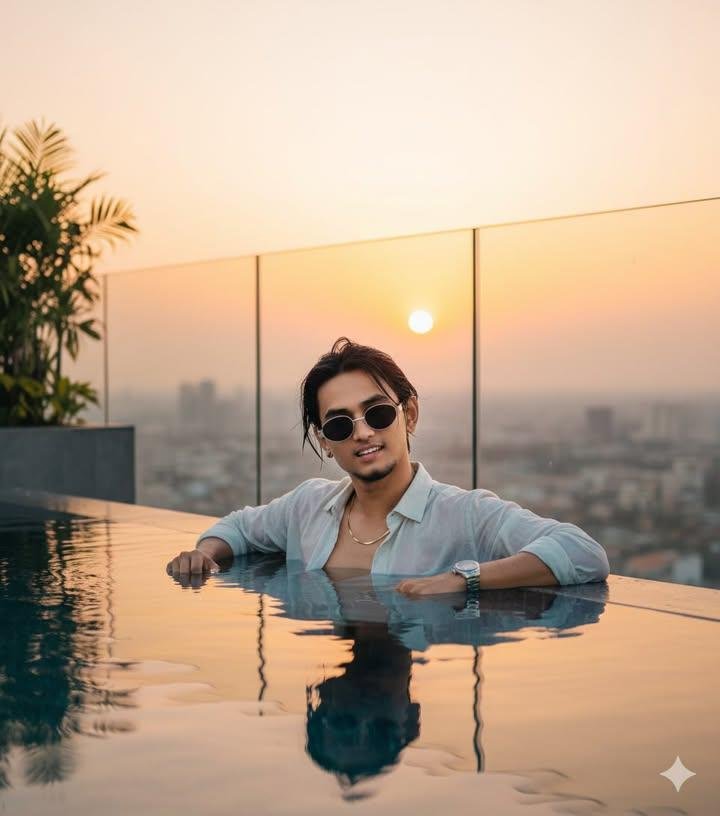
Prompt 👇
Ultra-realistic 8K cinematic portrait of a young man relaxing in an infinity pool at a rooftop penthouse, overlooking a breathtaking sunset city skyline. The warm golden and pink sky reflects perfectly on the water’s surface, creating a dreamy mirror effect. He is wearing a stylish open-collar linen shirt, accessorized with a luxury watch and minimal chain. His wet hair is naturally messy, glowing softly under the golden light.Behind him, glass railings and tropical plants add a refined lifest
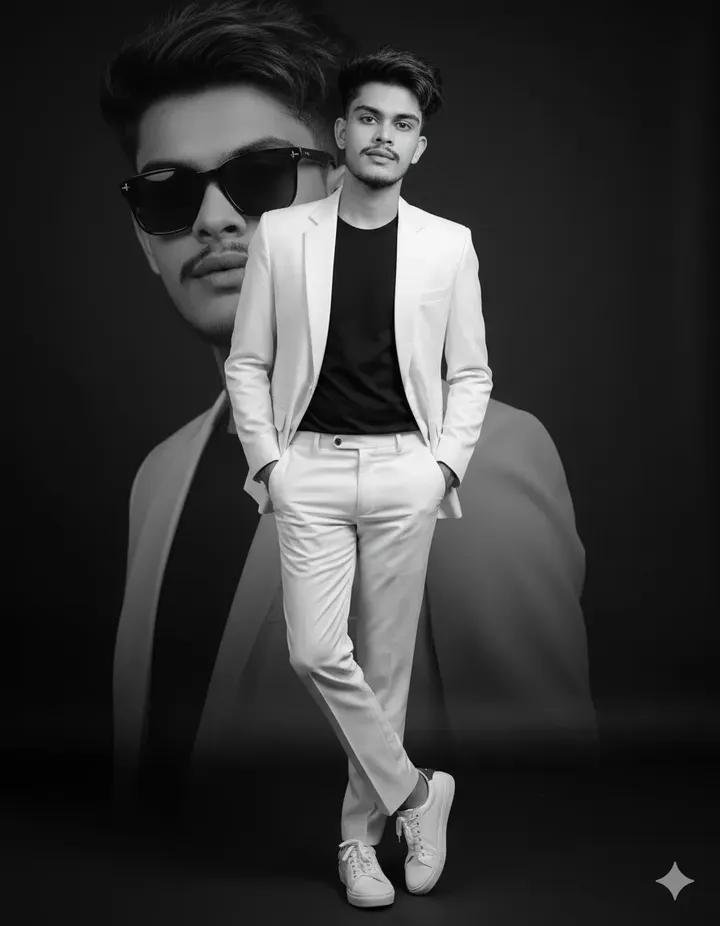
A stylish young man wearing a modern slim-fit
White suit with a black t-shirt inside, standing confidently sharp jawline aesthetic with
hands in pockets, one leg crossed over the other, wearing White sneakers stylish, studio portrait with soft lighting, elegant dark background, cinematic look, professional photo editing, a large faded background portrait of the same person in black sunglasses behind him, luxury fashion style, premium magazine photoshoot vibe
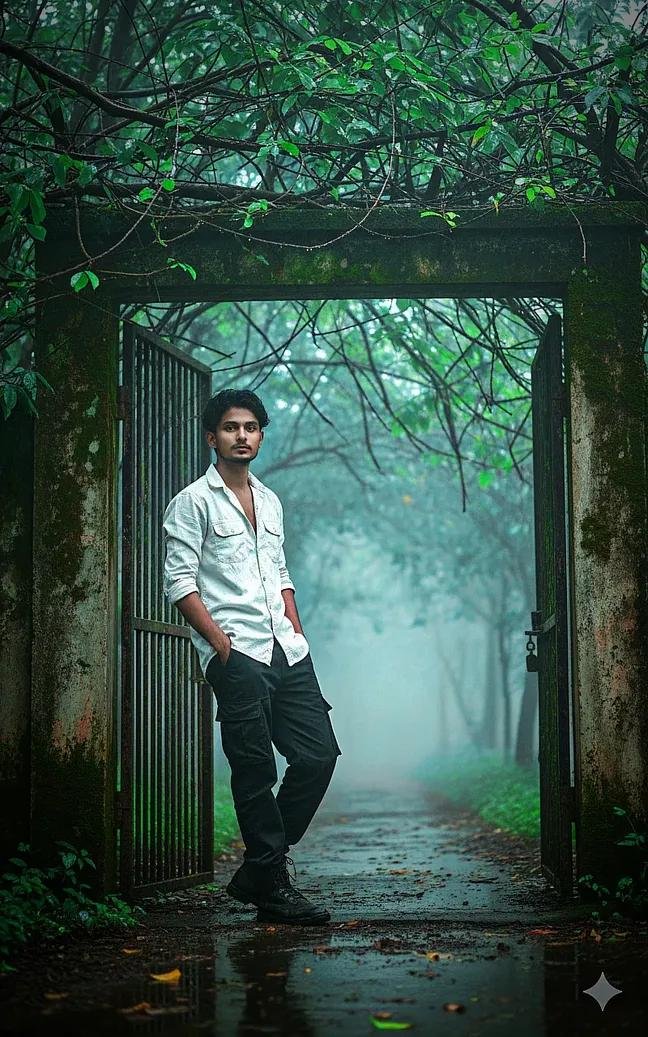
A cinematic ultrawide, low-angle shot of a young man standing in the same outdoor setting. The man is leaning casually against a tall weathered concrete gate, surrounded by lush green branches and barbed wire above. The ground is wet, reflecting the rainy and misty atmosphere. a man wearing a white open rolledup sleeve cargo shirt and black baggy cargo pant . Keep the misty forest pathway in the background with a dreamy, moody atmosphere.

Welcome to AiPromptEditing – yahan milegi latest AI prompts, trending ideas aur powerful photo editing prompts, sabhi AI tools ke liye.