In the ever-evolving landscape of digital creativity, a fascinating trend has emerged that’s capturing the imagination of social media users and design enthusiasts alike: name art created through Gemini photo editing. This innovative approach to personalized digital art is transforming how people express their identity and creativity online.
photo editing ka trend har din aur bhi zyada popular hota ja raha hai, aur isi trend ke beech “Name Art” ek nayi creative revolution ke roop me ubhar kar saamne aaya hai. Aaj Instagram, WhatsApp, Facebook aur YouTube Shorts par aapne zarur dekha hoga ki log apne naam ko stylish cinematic designs, glowing text effects aur luxury AI backgrounds ke saath create kar rahe hain. Gemini AI ne is trend ko aur bhi advanced aur creative bana diya hai. Name Art sirf ek simple text design nahi raha. Ab ye digital identity aur personal branding ka ek important part ban chuka hai. Users apne naam ko unique artistic style me present karke social media par attention gain kar rahe hain.
What Is Name Art in Gemini Photo Editing?
Name Art ek creative digital editing style hai jisme kisi person ke naam ko stylish aur artistic design me convert kiya jata hai. Gemini Photo Editing me AI technology ka use karke simple text ko cinematic, glowing aur premium looking visual art me transform kiya jata hai.Name Art social media par bahut popular ho chuka hai. Instagram, WhatsApp, Facebook aur YouTube par users apne naam ko unique AI designs ke saath create karke profile photos, stories aur posts me use kar rahe hain.
Why This Trend Is Taking Off
Several factors contribute to the explosive popularity of this creative movement. First, personalization has become paramount in digital culture. People crave content that feels uniquely theirs, and name art delivers exactly that. When someone sees their name transformed into a beautiful piece of art, it creates an immediate emotional connection.
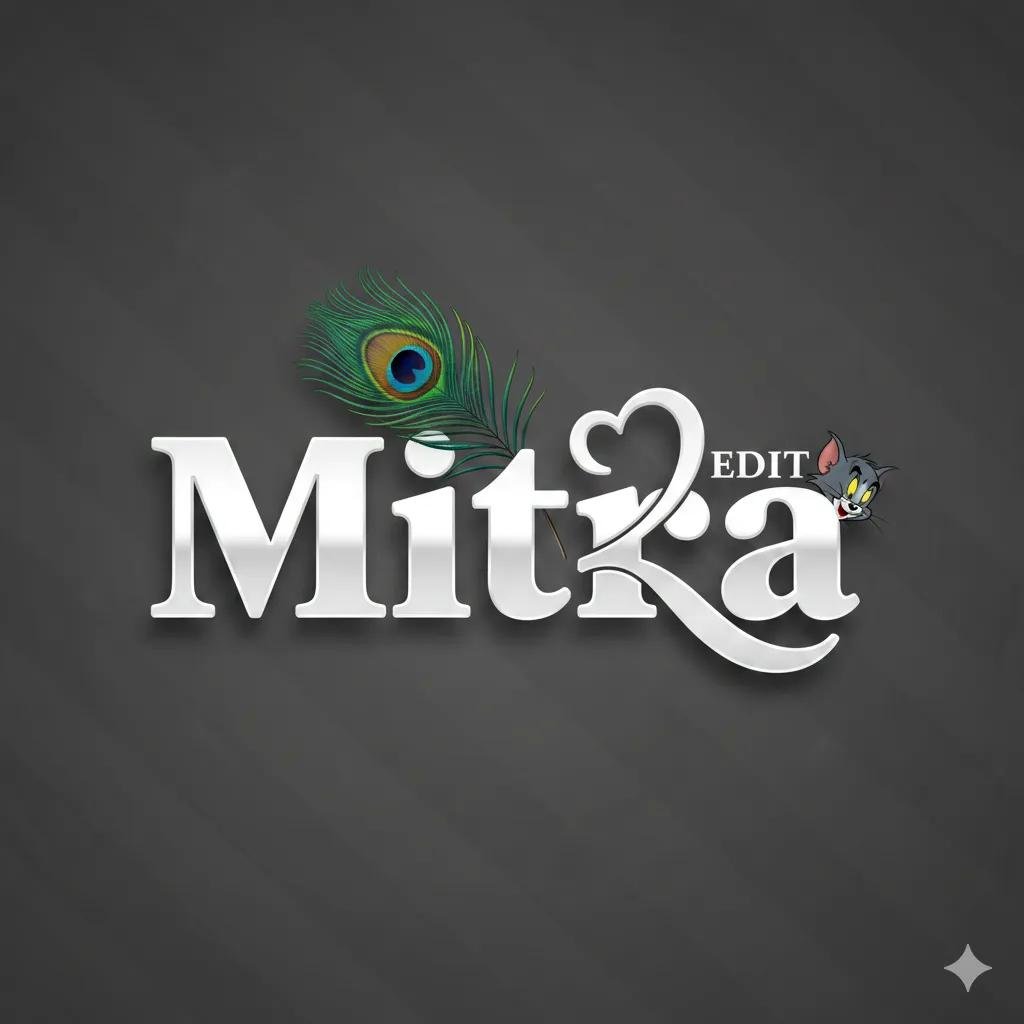
A high-quality 3D text art illustration of the name ‘sumit_ch_01. written in a bold, glossy white, custom font. The letter ‘P features a stylized artistic Swoosh that extends upward to form a simple heart outline. In the center, resting on the text, is a vibrant, realistic peacock feather with rich green and blue tones. On the right side, above the word ‘EDIT’ a TOM & JERRY head is peeking over the letters in a playful pose. The background is a solid dark grey with diago.

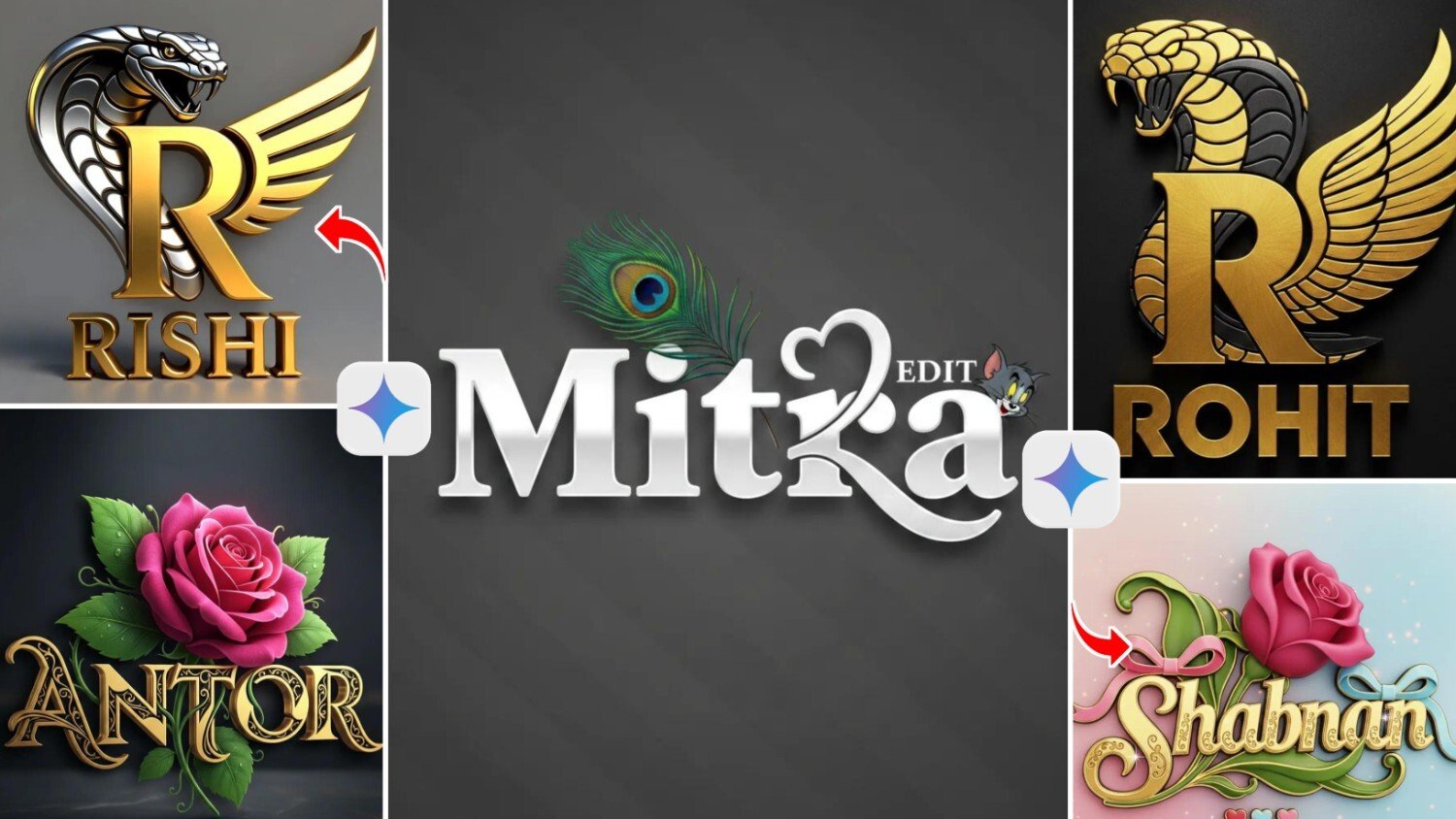
A luxury 3D metallic logo featuring a bold golden letter ‘R’ at the center. Behind the letter, a powerful gold and whaite lion head with sharp details, and on the right side, elegant golden metallic wings extending outward. Below the emblem, add the text ROHIT’ in metallic 3D font. The logo has a premium reflective finish with realistic shadows and highlights. Smooth brushed-metal texture: high contrast lighting,

A luxury 3D metallic logo featuring a bold golden letter R’ at the center. Behind the letter, a powerful silver cobra head with sharp details, and on the right side, elegant golden metallic wings extending outward. Below the emblem, add the text RISHI’ in metallic 3D font. The logo has a premium reflective finish with realistic shadows and highlights. Smooth brushed-metal texture, high contrast lighting,

A captivating 3D cinematic rendering ofa luxurious logo design. The focal point is a stunning, well-Hit, vibrant deep pink rosebud with slightly curved petals gracefully curving to the right. The text “RISHI is written in a luxurious, 3D gold font, with a swirling curved design that seamlessly integrates with the rose. Each letter is adorned with curved gold lines and black accents, creating a harmonious blend of the rose and the surrounding green leaves
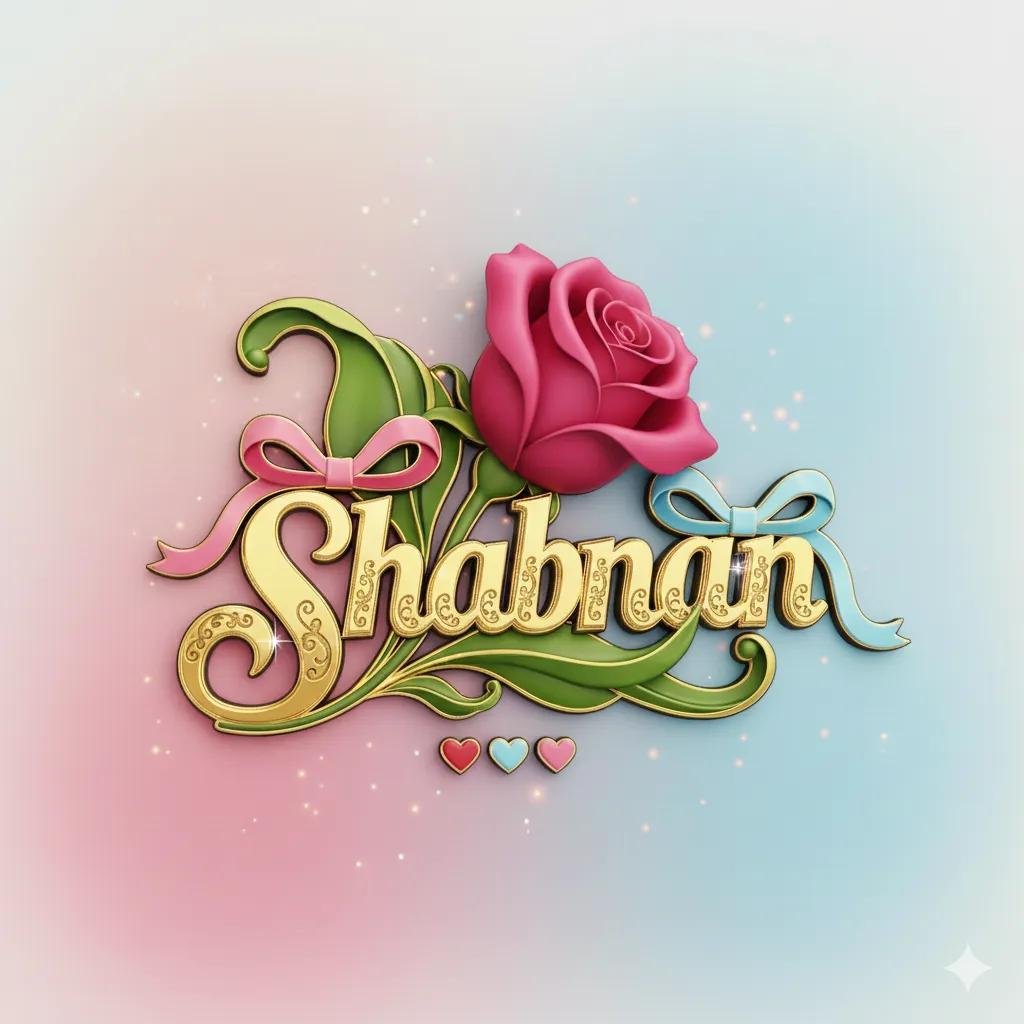
A captivating 3D cinematic rendering of a luxurious logo design. The focal point is a stunning, well-lit, vibrant deep pink rosebud with slightly curved petals gracefully curving to the right. The text “Ajay” is written in a luxurious, 3D gold font, with a swirling curved design that seamlessly integrates with the rose. Each letter is adorned with curved gold lines and black accents, creating a harmonious blend of the rose and the surrounding green leaves.
Getting Started With Your Own Name Art
For those inspired to create their own name art, the process is straightforward. Access Gemini through Google’s platform, formulate a clear prompt describing your vision, and let the AI work its magic. Don’t hesitate to iterate and refine your requests until you achieve the desi.
Gemini Se Photo Kaise Banaye Simple Steps
Step-by-Step Guide:
Step 1: Gemini Open Karein
- Google search mein “Gemini AI” type karein
- Ya direct gemini.google.com par jayein
- Apne Google account se login karein
Step 2: Prompt Likhein
- Chat box mein apna request type karein
- Example: “Create a beautiful image of sunset on beach
- “Ya: “Make a photo of a cute puppy playing in garden”
Step 3: Details Add Karein
- Jitna specific likhenge, utna better result milega
- Style mention karein (realistic, cartoon, artistic)
- Colors batayein jo chahiye
- Example: “Create a realistic photo of red rose with water drops, soft lighting”
Step 4: Generate Button Press Karein
- Enter ya Send button dabayein
- Thoda wait karein (10-30 seconds)
- Gemini aapka image generate karega
Step 5: Image Download Karein
- Generated image par click karein
- Right click karke “Save image as” select karein
- Ya download icon par click karein
- Apne device mein save kar lein
Name Art Se Online Earning
- Aaj kai creators aur freelancers Name Art designing se online income bhi earn kar rahe hain.
Popular Earning Methods:
- Instagram Name Art pages
- Freelance design services
- YouTube editing tutorials
- Custom logo designing
- Digital poster creation
- Social media branding services
Conclusion
The Rise of Name Art in Gemini Photo Editing ek nayi digital creative revolution ban chuka hai. AI technology ki help se simple names ko cinematic aur luxury artistic designs me convert kiya ja raha hai. Gemini AI ne Name Art creation ko fast, easy aur highly creative bana diya hai.WhatsApp aur YouTube par AI generated Name Art ka craze continuously badh raha hai aur future me ye trend aur bhi zyada popular hone wala hai.