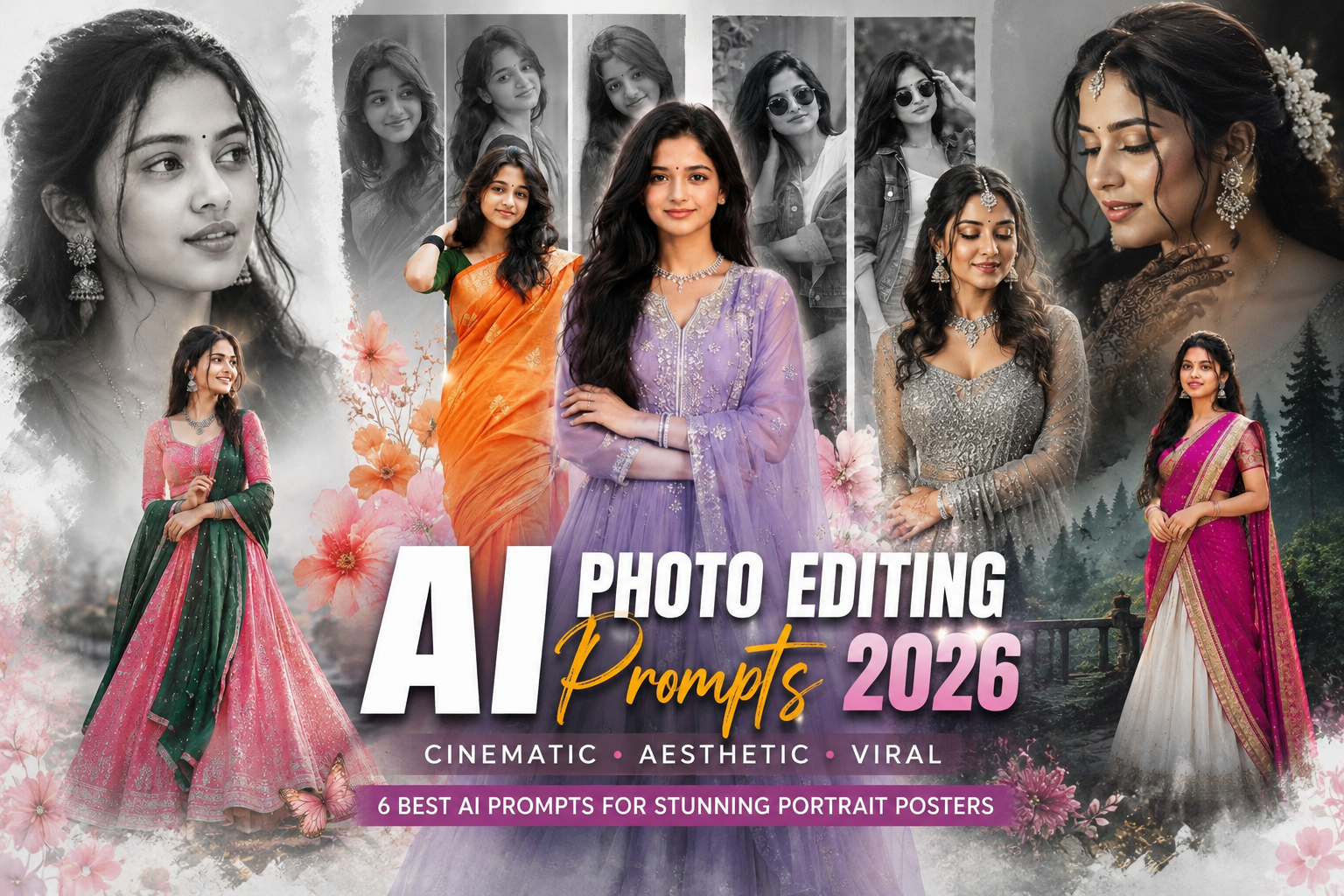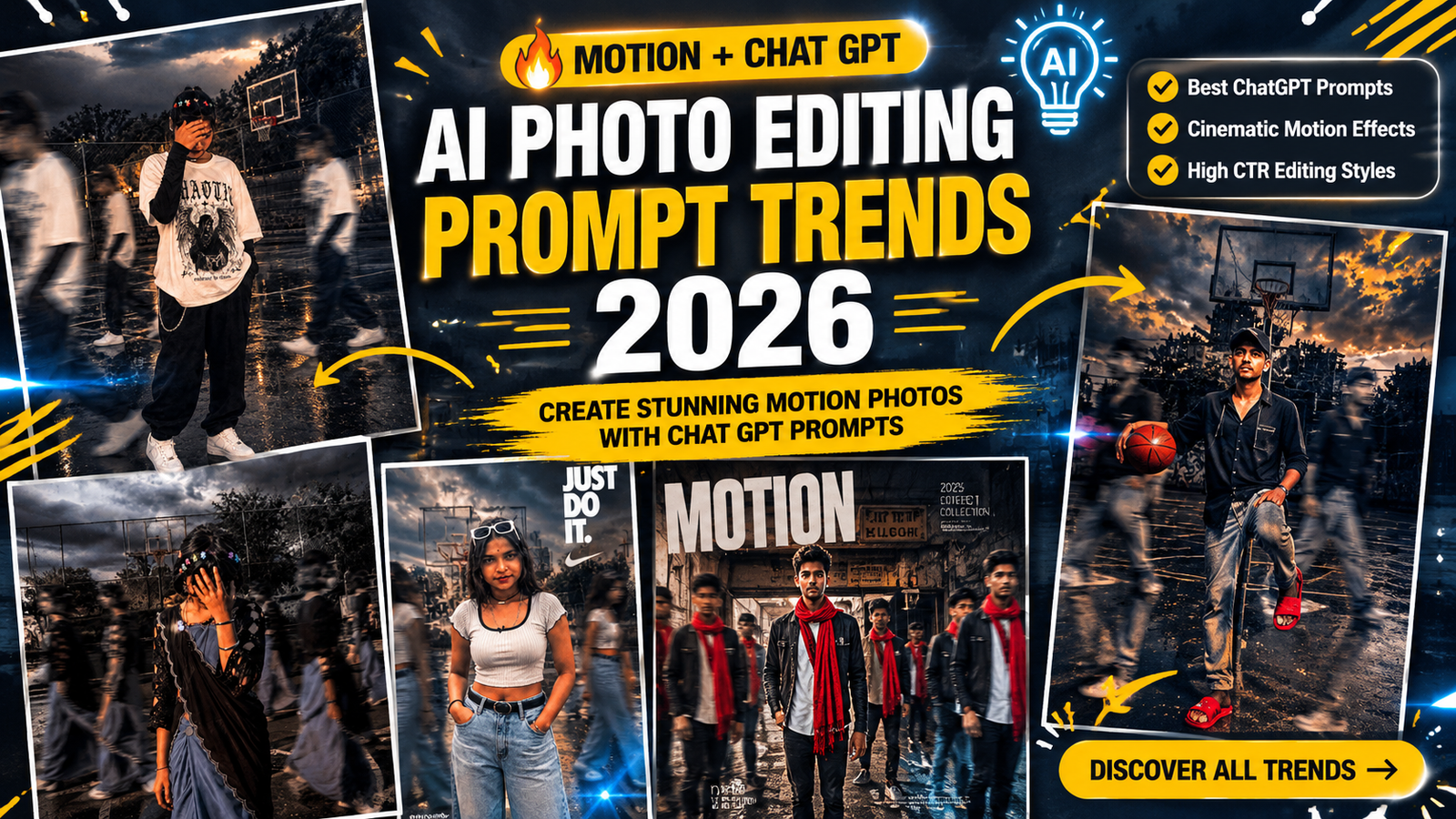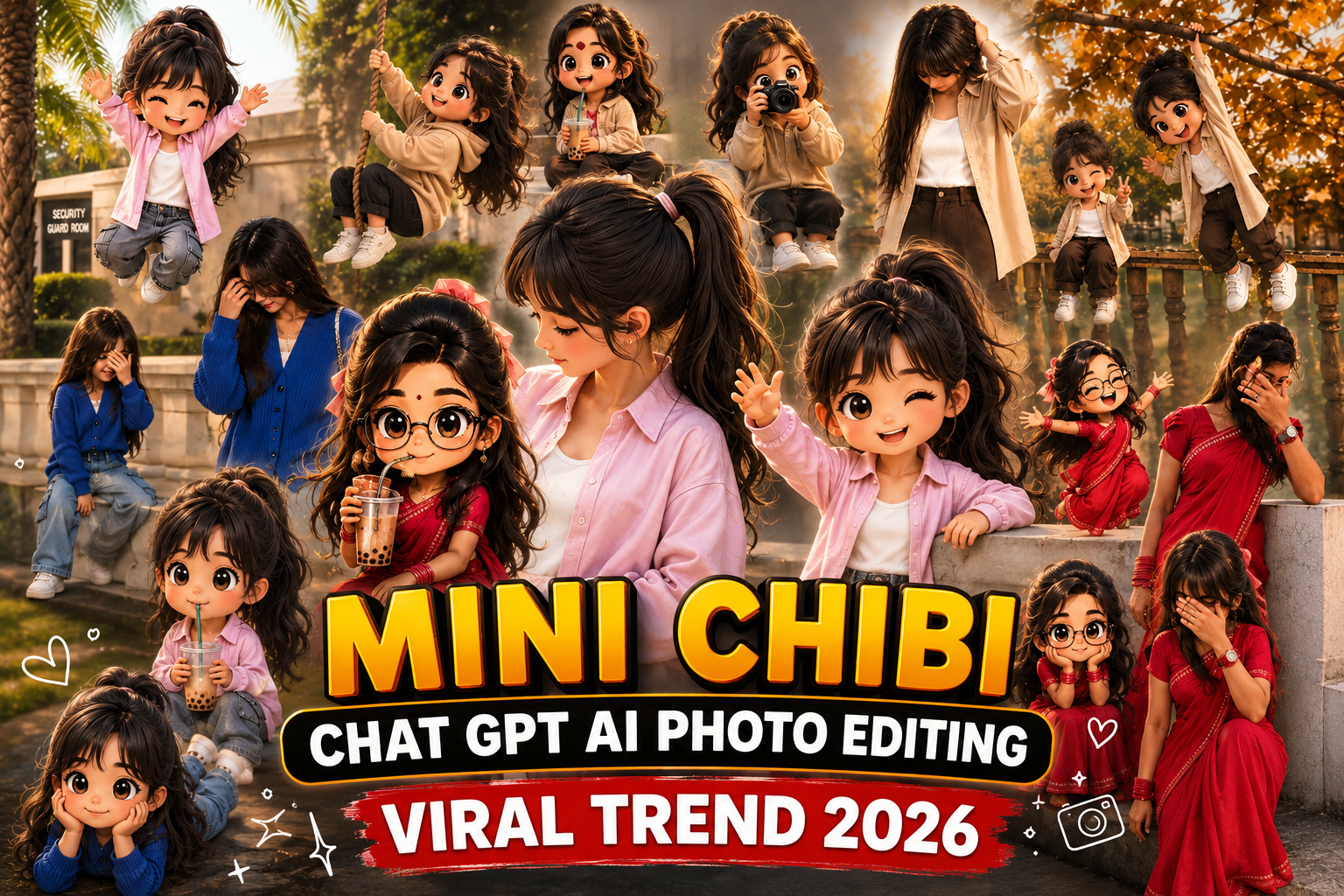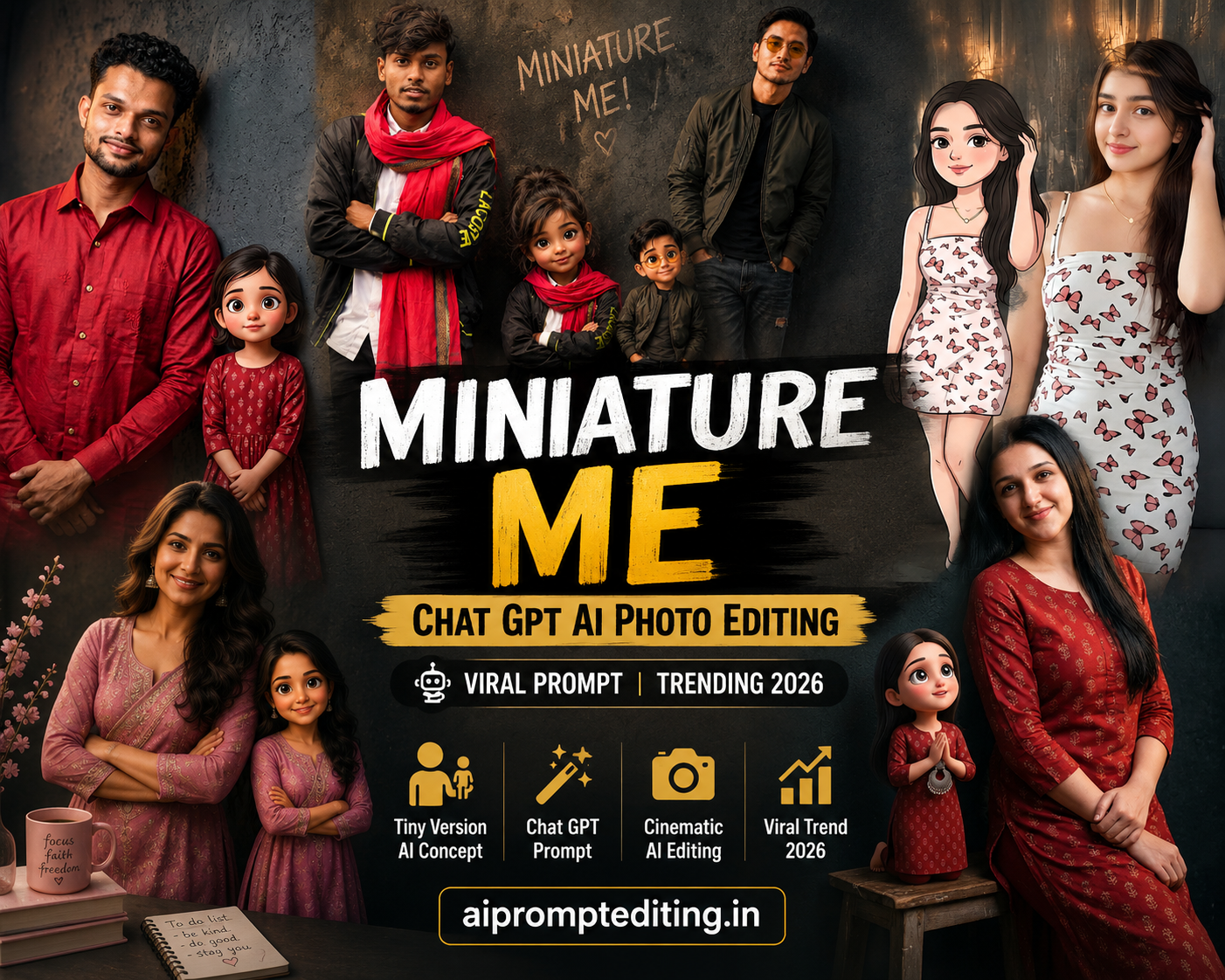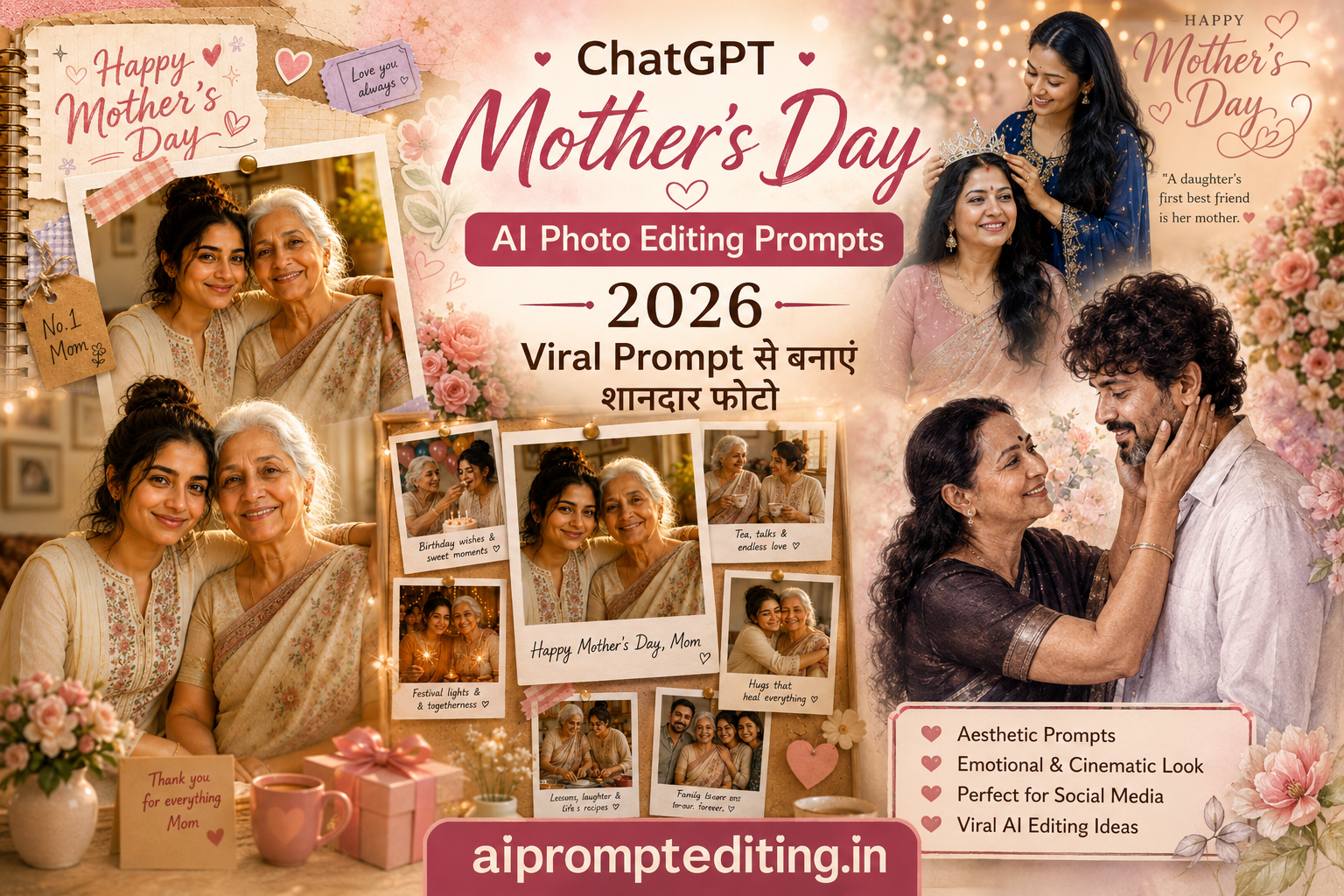
Valentine’s Day (14 February) sirf ek din nahi, balki emotions ka celebration hai. Har couple chahta hai ki wo is din kuch Unique aur Memorable kare. Aaj kal social media par wahi purani selfies aur downloaded quotes ka zamana chala gaya hai. Ab trend hai “AI Generated 3D Couple Images” ka.Imagine karein: Ek cute animated couple, jo bilkul aapke aur aapke partner jaise kapde pehne hue hain, aur unke hoodies ya background par aap dono ka Naam (Name) likha hua hai. Sounds magical, right?Is detailed guide mein, hum aapko batayenge ki kaise aap Google Gemini AI ka use karke minutes mein aisi viral photos bana sakte hain. Humne is process ko simple steps mein break kiya hai taaki koi bhi ise aasani se kar sake.
Valentine Day AI Image Trend Kya Hai?
Simple shabdon mein kahein toh, yeh Artificial Intelligence (AI) ka jaadu hai. Aap bas likhte hain ki aapko kaisi photo chahiye (jise Prompt kehte hain), aur Google Gemini us text ko ek High-Quality Image mein convert kar deta hai.
Log is trend ko isliye pasand kar rahe hain kyunki:
Fully Customizable: Aap apne aur apne partner ka naam likh sakte hain.
No Cost: Google Gemini (mostly) free hai.
Social Media Ready: Yeh images 3D style mein hoti hain jo Instagram Reels aur Status par bahut sundar lagti hain.
What is the Viral “3D AI Couple Image”?
Sabse pehle samajhte hain ki yeh internet par itna viral kyun ho raha hai.
The Power of Text-to-Image Technology
Pehle agar aapko aisi photo banani hoti thi, toh aapko Photoshop aana zaroori tha ya kisi artist ko paise dene padte the. Lekin ab Artificial Intelligence (AI) ne game badal diya hai. Aap bas text likhte hain (Prompt), aur AI usse image mein badal deta hai.
Why Everyone is Posting This on Instagram?
Personalization: Isme aapka naam likha hota hai, jo ise generic images se alag banata hai.
Cute Aesthetic: Pixar aur Disney movies jaisa 3D Animation Style sabko pasand aata hai.
Status Worthy: WhatsApp Status aur Instagram Stories par yeh photos turant attention grab karti hain.

Without changing the facial features of above image couple ,create Ultra-realistic full-body vertical romantic night portrait of an Indian couple standing on open ground, smiling and looking into each other's eyes while

Empty metro station at night, soft white lights, romantic subtle decoration with roses. Boy wearing grey hoodie with black jeans. Girl wearing tight ripped jeans with white fitted crop top. Both facing camera, relaxed romantic pose. Hyper realistic, natural lighting, no Al look, DSLR photography, 8K Ultra HD. Top glowing text: "Happy Valentine's Day Do not change my face

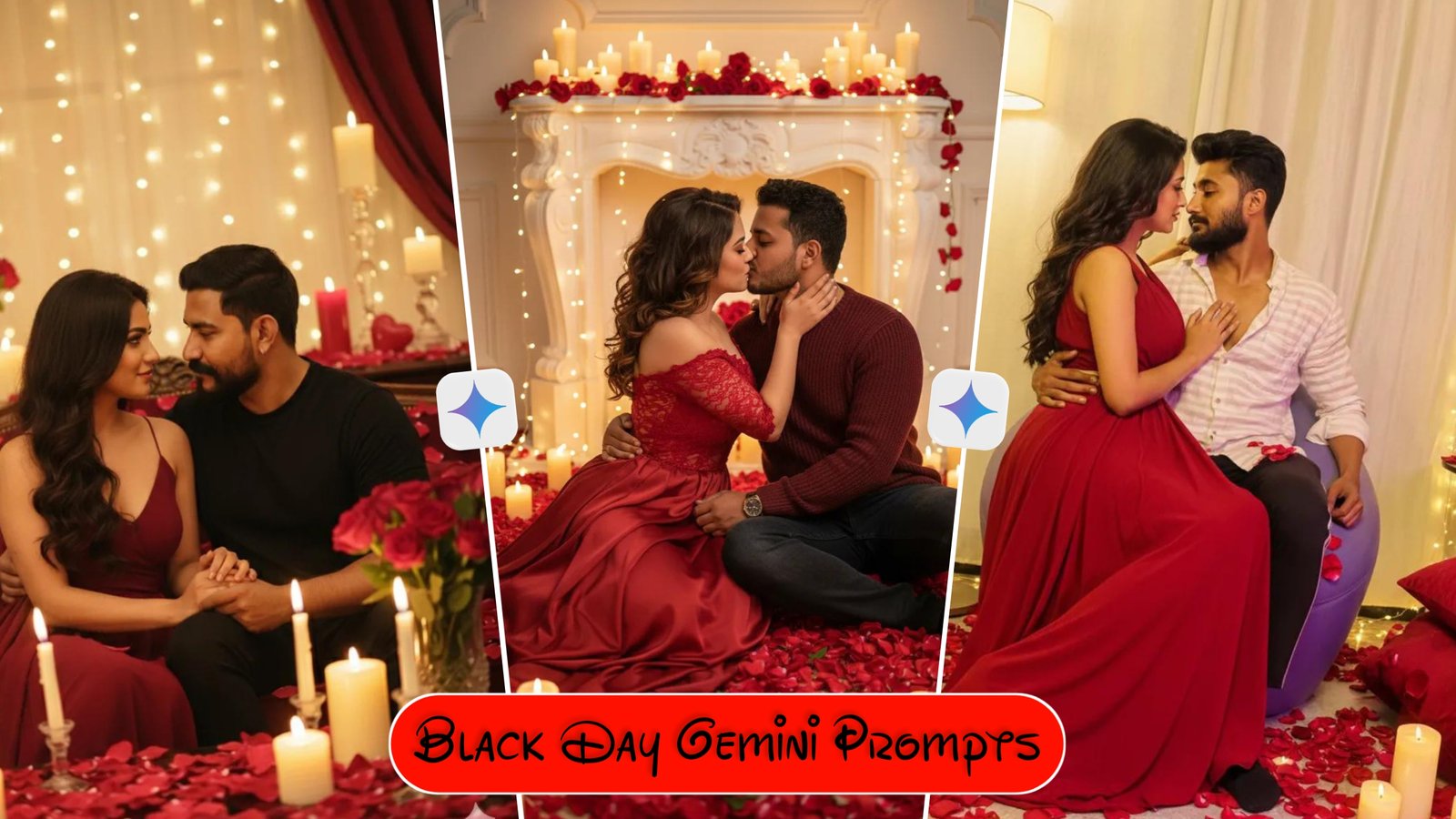
Bold romantic Valentine's Day-scene, a beautiful couple sitting closely together surrounded by red rose petals, candles, fairy lights, emotional passionate expressions, warm golden romantic glow, luxury Valentine décor, dreamy cinematic mood, respectful affectionate romance, ultra realistic, 8K, Gemini

Bold romantic Valentine's Day-scene, a beautiful couple sitting closely together surrounded by red rose petals, candles, fairy lights, emotional passionate expressions, warm golden romantic glow, luxury Valentine décor, dreamy cinematic mood, respectful affectionate romance, ultra realistic, 8K, Gemini friendly,

Bold romantic Valentine's Day-scene, a beautiful couple sitting closely together surrounded by red rose petals, candles, fairy lights, emotional passionate expressions, warm golden romantic glow, luxury Valentine décor, dreamy cinematic mood, respectful affectionate romance, ultra realistic, 8K, Gemini friendly,

Using my uploaded photo as the main subject reference, recreate this Valentine's Day studio portrait with the same pose, styling, and mood. A close-up couple portrait, both subjects smiling directly at the camera. The couple is embracing closely; the person on the left wearing a dark outfit, the person on the right wearing a glossy red satin fabric draped elegantly around the shoulders. Red lipstick kiss marks visible playfully across the face of the person on the left. Background filled withshiny red heart-shaped balloons creating a bold romantic backdrop. Studio lighting with soft highlights and clean shadows, vibrant red color palette, polished fashion photography style. Photorealistic, high detail, smooth skin tones, cinematic clarity, shallow depth of field, vertical ortrait composition, professional Valentine's photoshoot aestheti

A stylish young Indian man at night on a rooftop with a blurred city skyline full of glowing lights in the background. Red heart-shaped balloons floating around him. He is wearing a red and black dual-tone opened shirt over white t-shirt, black trousers, black leather gloves, and black sunglasses. Holdinga bouquet of fresh red roses wrapped in premium black paper. styled hair, background, a large luxury neon sign saying Happy Valentine's Day' glowing in red and golden light. Cinematic night,
Step-by-Step Guide Generate Your Valentine Image
Step 1:- Setting Up Google Gemini
Apne mobile ya laptop par gemini.google.com open karein.
Apne Google Account se login karein.
Step 2:- The Creation Process
Chat box mein niche diye gaye Prompts copy-paste karein.
[Name]wale bracket ko hatakar apna naam likhein.Enter dabayein aur 10-15 seconds wait karein.
Image par click karke Download icon select karein.
Expert Tips to Customize Your Images
Google Gemini se best result nikalne ke liye in baton ka dhyan rakhein.
Handling Name Errors
Kabhi-kabhi AI naam ki spelling galat likh deta hai.
Solution: Prompt mein naam ko hamesha CAPITAL LETTERS mein likhein (e.g., “RAHUL” instead of “Rahul”). Yeh AI ke liye padhna aasaan hota hai.
Changing the Outfit
Aap prompt mein kapdo ka color change kar sakte hain.
Example: “Pink hoodie” ki jagah “Blue Denim Jacket” likh kar dekhein.
Aspect Ratio (Size)
- By default, Gemini square (1:1) image deta hai.
Tips for Best Output (Pro Advice)
Google Gemini se best result lene ke liye in baaton ka dhyan rakhein:
Names Check Karein: AI kabhi-kabhi spelling mistake karta hai. Agar naam galat aaye, toh “Regenerate” button par click karein ya prompt mein naam ko CAPITAL LETTERS mein likhein.
Details Add Karein: Aap prompt mein changes kar sakte hain. Jaise “Red Hoodie” ki jagah “Blue Shirt” likh sakte hain, ya “Beach” ki jagah “Mountains” likh sakte hain.
Mobile vs Desktop: Aap phone par bhi same quality images bana sakte hain, bas desktop site mode on karne ki zaroorat nahi hai, normal chat mein bhi kaam karega.
Conclusion
Aaj ke zamane mein 14 February ka matlab sirf couple love nahi hai. Yeh din yaad dilata hai ki Pyaar (chahe wo partner se ho, doston se, ya family se) ek aisi taqat hai jiske liye Saint Valentine ne apni jaan de di thi.Toh jab aap agli baar “Happy Valentine’s Day” bolein, toh yaad rakhein ki yeh din ek Revolutionary Priest ki yaad mein hai jisne nafrat ke zamane mein pyaar ka saath diya tha.Valentine’s Day sirf gifts lene-dene ka naam nahi hai, yeh yaadein banane ka din hai. Google Gemini AI Prompts ka use karke aap bina paise kharch kiye ek aisa digital gift bana sakte hain jo aapke partner ke chehre par smile la dega.Technology ka sahi use karein aur apni creativity ko duniya ke samne layein. Upar diye gaye prompts ko abhi try karein aur dekhein magic
Disclaimer
This article is for creative purposes. The images are generated by AI and may vary based on the specific prompt used. Please respect Google’s content policies while generating images.